
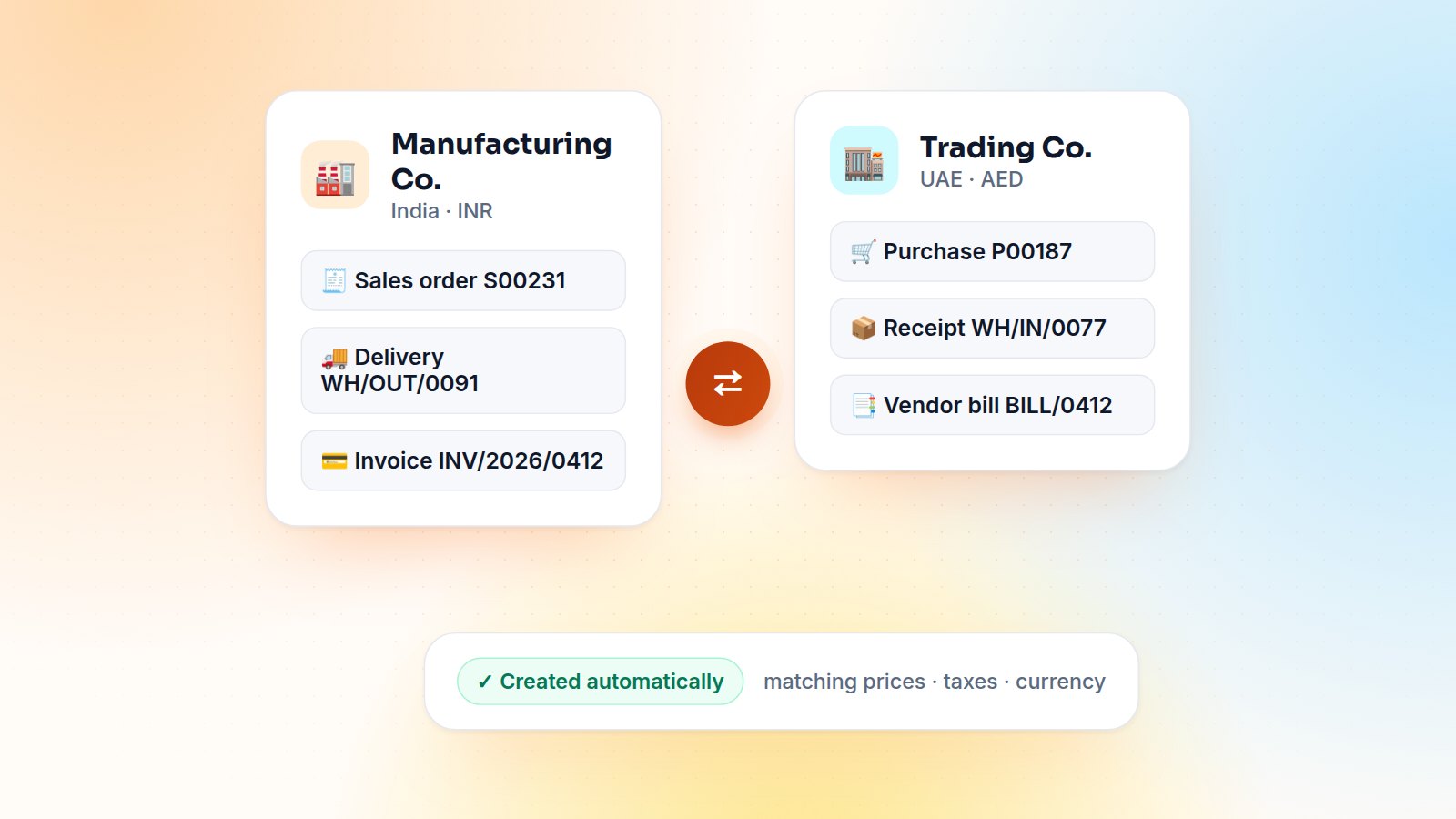
A manufacturing company sells to its own trading company, which sells to the final customer. On paper it's one flow. In many ERPs it means two people typing the same order twice, in two companies, with two chances to get the price wrong. Odoo's multi-company design can remove that duplicate work entirely. Here is how I set it up for groups with several legal entities.
Multi-company basics that must be right first
- Each company is also a contact. Company B buys from the contact "Company A", so that partner record is the bridge between the two.
- Products are usually shared between companies, with company-specific costs, accounts and taxes.
- Users who work across entities get access to several companies, and the company switcher decides where documents are created.
The standard option (Enterprise)
Odoo Enterprise includes Inter-Company Transactions rules in the company settings. You can synchronise invoices and bills, or go further and generate the purchase order in company B when company A confirms a sales order (and vice versa), with a chosen user creating the documents and optional automatic validation. For many groups that is enough. Configure it, test it with both currencies, and you are done.
When the standard isn't enough
In the projects where I built a custom inter-company flow, the reasons were usually:
- Transfer pricing based on cost plus a margin rather than a fixed pricelist;
- Stock transfers between warehouses of different companies that must keep lots and serial numbers;
- Community edition, or a flow that has to be approved before the counterpart documents are created.
class SaleOrder(models.Model):
    _inherit = 'sale.order'

    def _action_confirm(self):
        res = super()._action_confirm()
        for order in self:
            dest = self.env['res.company'].sudo().search(
                [('partner_id', '=', order.partner_id.commercial_partner_id.id)], limit=1)
            if dest and dest != order.company_id:
                order._create_intercompany_purchase(dest)
        return res

    def _create_intercompany_purchase(self, dest):
        PurchaseOrder = self.env['purchase.order'].with_company(dest).sudo()
        return PurchaseOrder.create({
            'partner_id': self.company_id.partner_id.id,
            'company_id': dest.id,
            'origin': self.name,
            'order_line': [(0, 0, {
                'product_id': line.product_id.id,
                'product_qty': line.product_uom_qty,
                'price_unit': line.price_unit,
            }) for line in self.order_line if not line.display_type],
        })
The important parts are with_company(dest), so defaults, taxes and sequences come from the destination company, and keeping the origin link so either side can find its counterpart.
Taxes, currencies and stock
- Taxes: use fiscal positions so the purchase in company B gets its own taxes, not a copy of company A's.
- Currencies: if the companies use different currencies, the price must be converted on the order date, and the exchange difference handled in accounting.
- Stock: route goods through a transit location so they are never counted twice, or skip the physical receipt when the goods ship straight to the final customer.
Month-end: eliminations
For consolidated reporting, tag inter-company partners and accounts so inter-company revenue, payables and receivables can be filtered and eliminated. A simple report that shows A's receivable from B next to B's payable to A catches mismatches before the auditors do.
In short
Get the multi-company foundations right, use the standard rules where they fit, and automate the rest with a small, well-tested module. The payback is immediate: no re-typing, no price mismatches, and documents that always agree on both sides. Running a group of companies on Odoo? Let's map your flows, or see the multi-company case study.

Gautam Kundaria
Odoo Techno-Functional Consultant with 5+ years of implementing, migrating and customising Odoo for businesses worldwide.
Employee Self-Service in Odoo: Leaves and Expenses Through the Portal
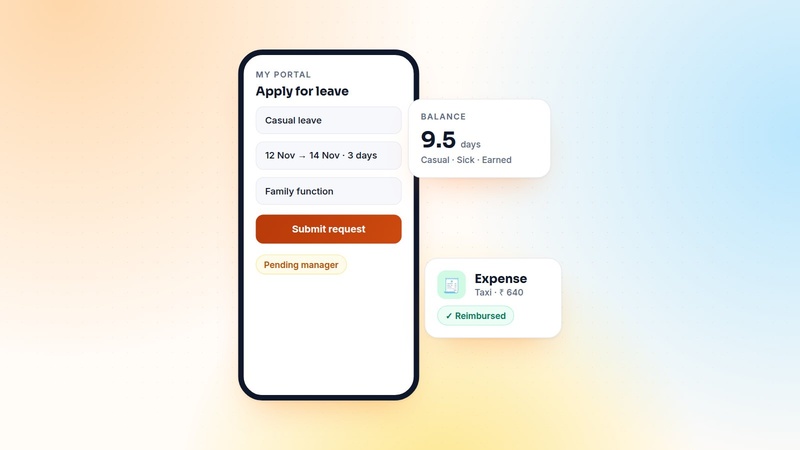
Shop-floor and field staff need to apply for leave and claim expenses, but rarely need the full backend. How I build an employee self-service portal in Odoo, and the security rules that make it safe.
 Gautam Kundaria
Customer Credit Limits in Odoo: Warn, Hold or Block Risky Orders
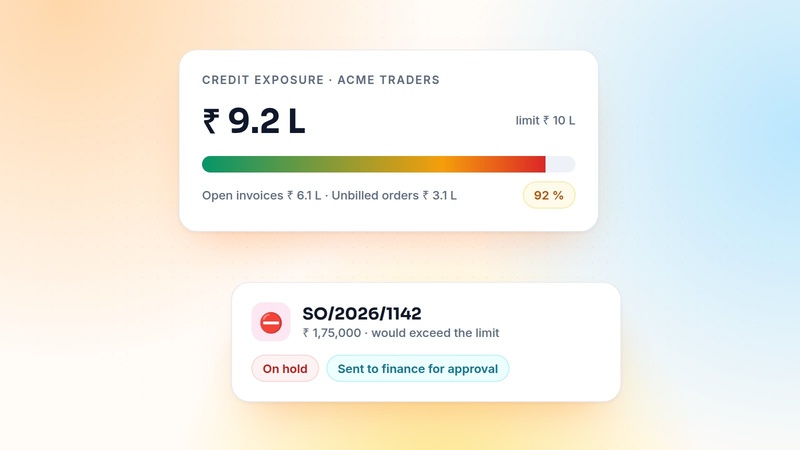
Odoo can warn salespeople when a customer goes over their credit limit, but it won't stop the order. Here is how to count the real exposure and put risky orders on hold for finance.
 Gautam Kundaria
Odoo POS for Restaurants: QR Payments, Pay-Later Tabs and Table Timers
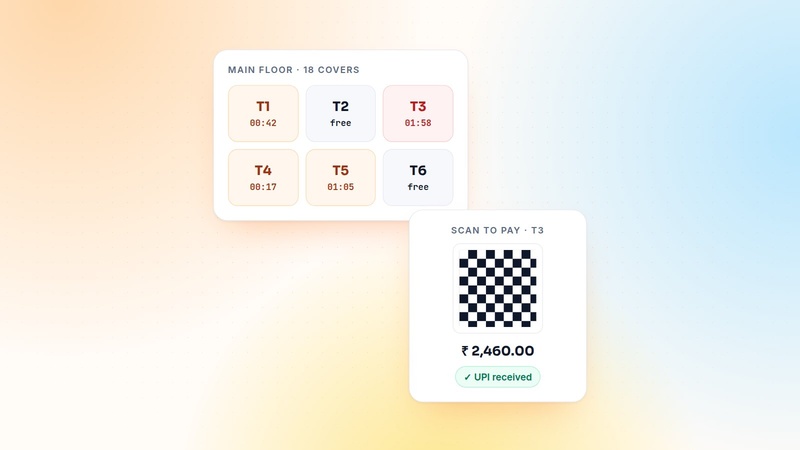
Floors, tables, kitchen printers and split bills come standard. Here is what I add for real restaurants: QR and UPI payments, pay-later tabs, table time counters and controlled voids.
 Gautam Kundaria