
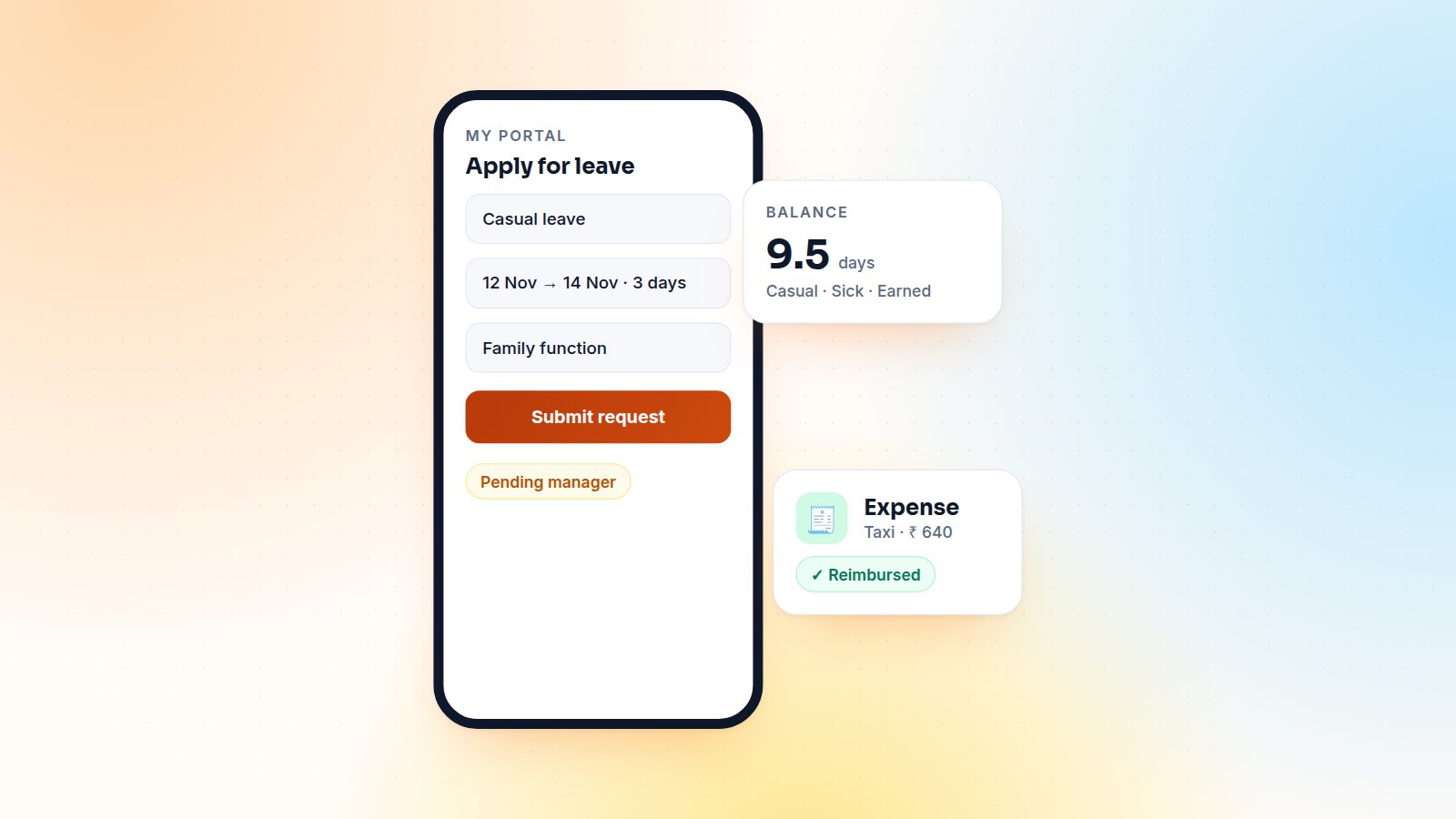
In a factory with 300 workers, maybe 30 people use Odoo every day. The other 270 still need to apply for leave, check their balance, claim a taxi fare and download a payslip. Making all of them internal users is expensive and gives them far more than they need. The Odoo portal is a better fit, and I've built leave and expense portals for several companies with exactly this profile.
Why the portal
- Portal users are free and already used for customers and vendors. Employees get the same simple, mobile-friendly interface.
- Least privilege by design. A portal user sees only what your controllers show them, nothing else in the database.
- No training. A leave form with three fields doesn't need a training session.
Managers and HR stay internal users and approve in the backend, where the Time Off and Expenses apps give them dashboards, calendars and reports.
What employees can do
| Feature | Portal page | Behind the scenes |
|---|---|---|
| Leave balance | /my/leaves | Allocations minus validated and pending leaves per type |
| Apply for leave | /my/leaves/new | Creates a leave request for the employee, notifies the manager |
| Claim an expense | /my/expenses/new | Creates an expense with the receipt photo attached |
| Track status | /my/leaves, /my/expenses | Shows to approve, approved, refused or paid |
| Payslips | /my/payslips | PDF download, if payroll runs in Odoo |
Linking a portal user to an employee
Each employee record gets a link to its portal user, and every controller starts from that link. Never from a record id in the URL:
def _portal_employee(self):
    employee = request.env['hr.employee'].sudo().search(
        [('portal_user_id', '=', request.env.user.id)], limit=1)
    if not employee:
        raise request.not_found()
    return employee

@http.route('/my/leaves', type='http', auth='user', website=True)
def portal_my_leaves(self, **kw):
    employee = self._portal_employee()
    leaves = request.env['hr.leave'].sudo().search(
        [('employee_id', '=', employee.id)], order='request_date_from desc')
    return request.render('my_module.portal_my_leaves', {
        'employee': employee, 'leaves': leaves, 'page_name': 'leaves',
    })
Security rules that matter
- Use
sudo()only after you have resolved the employee from the logged-in user, and always filter by that employee. - Validate everything the form posts: allowed leave types only, dates in order, attachment size and type for receipts.
- Let the standard models do the work: create the leave or expense through the ORM so durations, allocations and approval rules behave exactly as in the backend.
- Log the request in the chatter as the employee, so HR has a full history.
Approvals and notifications
When a request is submitted, the employee's manager gets an activity in Odoo and an email with the request summary. Once it is approved or refused, the employee gets an email with a link back to the portal page. For teams without email, the same notification can go out over WhatsApp or SMS.
Results
In practice, paper leave forms disappear in the first month, HR stops re-typing requests, and managers approve from their phone. Above all, the company doesn't need to pay for 270 extra internal users.
Want a self-service portal for your team? Tell me what your employees need.

Gautam Kundaria
Odoo Techno-Functional Consultant with 5+ years of implementing, migrating and customising Odoo for businesses worldwide.
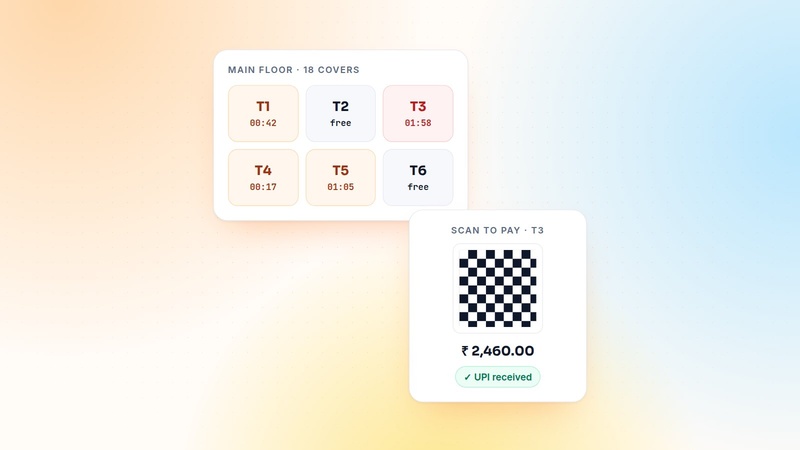
Odoo POS for Restaurants: QR Payments, Pay-Later Tabs and Table Timers
Floors, tables, kitchen printers and split bills come standard. Here is what I add for real restaurants: QR and UPI payments, pay-later tabs, table time counters and controlled voids.
 Gautam Kundaria
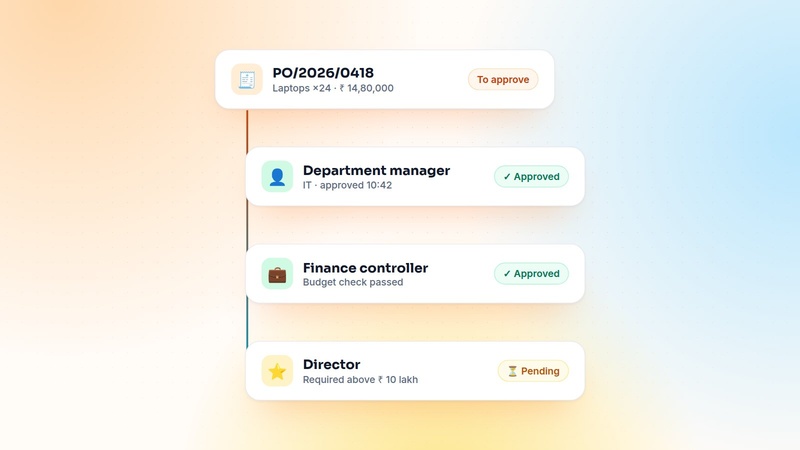
Multi-Level Purchase Approval Workflows in Odoo
Odoo's built-in two-step PO approval stops at one threshold. Here is how I design amount- and department-based approval chains that finance trusts and buyers don't hate.
 Gautam Kundaria
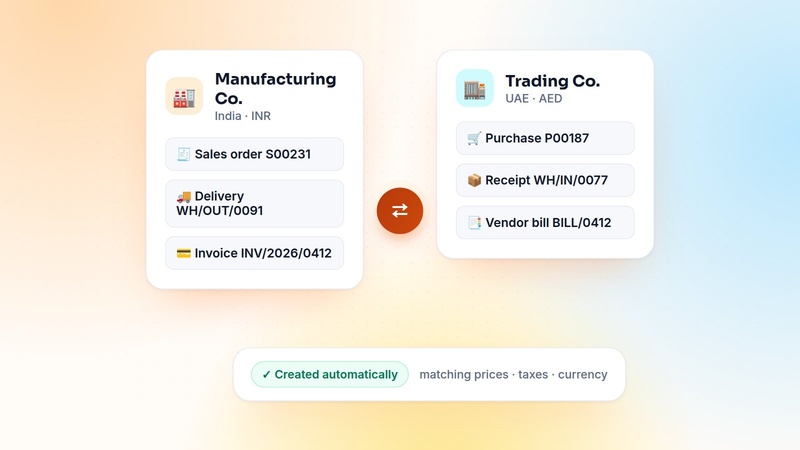
Inter-Company Transactions in Odoo Multi-Company: Sales, Purchases and Stock on Autopilot
Groups that trade between their own companies waste hours re-typing documents. How to automate inter-company sales, purchases, stock transfers and invoices in Odoo, with or without Enterprise.
 Gautam Kundaria