
Point of Sale is the app where Odoo meets the real world fastest. A restaurant opens at 11:00 whether the system is ready or not, and a waiter with three tables waiting has zero patience for an extra click. Over the last few years I've delivered POS projects for cafés, bars and restaurant chains: QR payment integrations, thermal printer setups, pay-later, loyalty, multi-currency and table time counters. Here is what I've learned.
What you get out of the box
Enable the restaurant features on a POS configuration and you already have a lot:
- Floors and tables drawn to match your actual layout, with the order attached to the table;
- Kitchen and bar printers (or a kitchen display) that receive only their product categories;
- Bill splitting, tips, guest count and printed pre-bills;
- offline mode, so a network glitch doesn't stop service.
For a single café with card payments, that is often everything. The customisations below come up as soon as volume, payment habits or control requirements grow.
QR and UPI payments
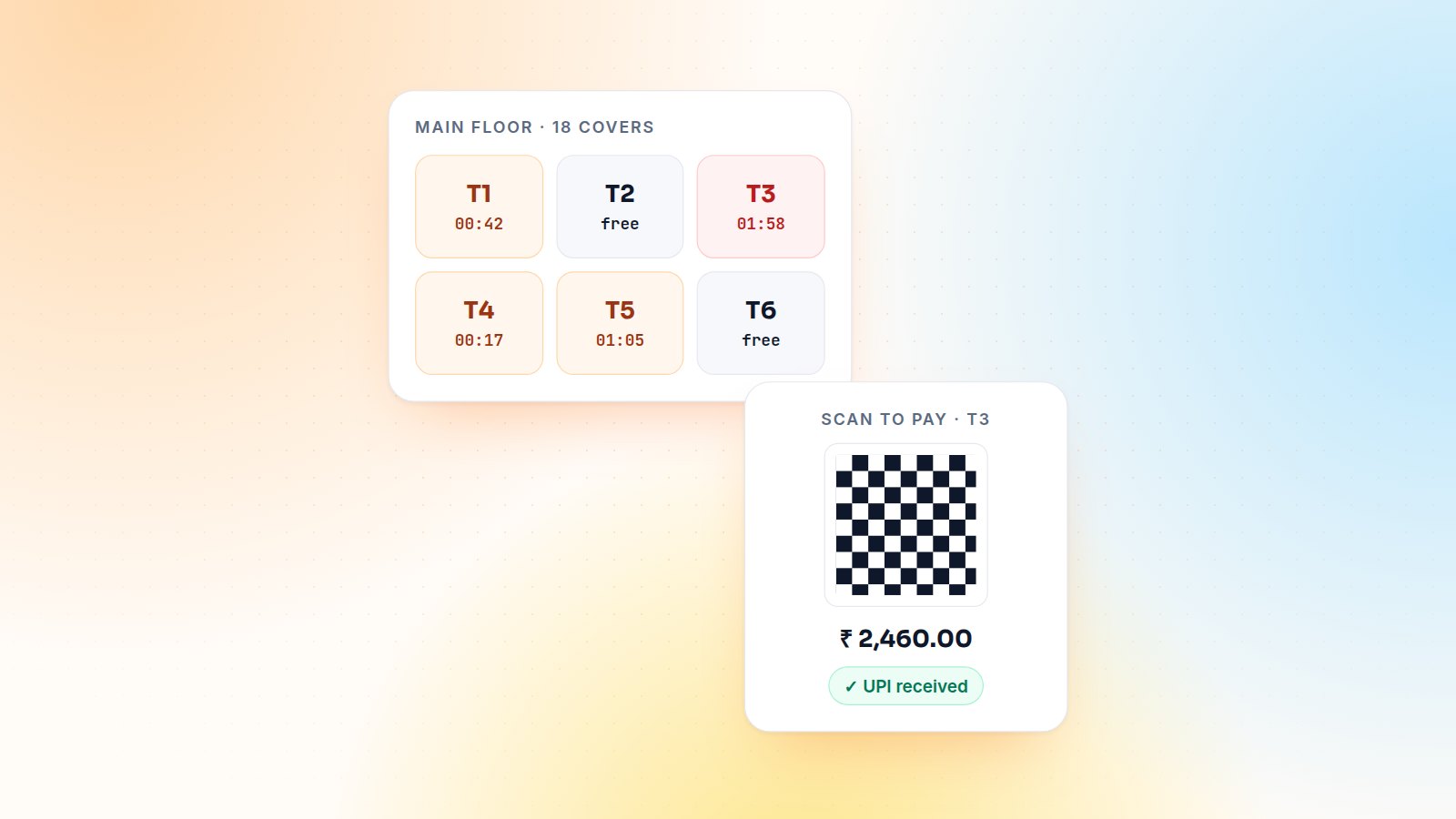
In India and much of Asia, guests pay by scanning a QR code. Recent Odoo versions offer a Bank App (QR Code) payment method that shows a QR for the exact order amount, generated from the company's bank account. The cashier still confirms the payment by hand.
When the client needs automatic confirmation (the order closes itself when the money arrives), I integrate the payment provider's dynamic QR API. The POS asks the server to create a payment intent, displays the returned QR, and the provider's callback marks the payment as received, with no cashier guesswork and no screenshot fraud.
Pay-later tabs for regulars and corporate accounts
Bars and office canteens run tabs. The standard Customer Account payment method posts the amount to the customer's receivable so it can be invoiced later. On top of it I typically add:
- a credit limit check in the POS before allowing a tab;
- a monthly consolidated invoice per customer instead of dozens of tiny ones;
- a tab balance visible to the cashier when the customer is selected.
Table time counters
Gaming lounges, snooker clubs and some casual-dining chains charge by time, or simply want to turn tables faster. A table timer shows on the floor plan how long each table has been occupied, changes colour after a threshold, and can add a time-based product to the order automatically. On the server side the extra fields are sent to the POS through its loader:
class RestaurantTable(models.Model):
    _inherit = 'restaurant.table'

    occupied_since = fields.Datetime()

    @api.model
    def _load_pos_data_fields(self, config):
        return super()._load_pos_data_fields(config) + ['occupied_since']
Controlled voids
Removing a line that has already gone to the kitchen is the most common source of shrinkage I see. Standard Odoo lets you log in to the POS as employees with different access levels. For restaurants I add a reason and manager PIN for deleting lines already sent to the kitchen, and log every void on the order. The daily report then shows voids by waiter, which on its own changes behaviour.
Hardware tips that save the opening day
- Use network (IP) ESC/POS printers for kitchens. They are more robust than USB printers attached to one PC.
- Give printers fixed IP addresses, and test them with the real router before go-live.
- Run a full dry service with staff the day before opening: orders, splits, voids, a closing session.
Bottom line
Odoo's restaurant POS is strong as standard. The value is in a few targeted customisations around payments, control and speed, and in a properly rehearsed go-live. Running a restaurant or chain on Odoo? Let's talk about your floor, or browse the restaurant & café chain case study.

Gautam Kundaria
Odoo Techno-Functional Consultant with 5+ years of implementing, migrating and customising Odoo for businesses worldwide.
Employee Self-Service in Odoo: Leaves and Expenses Through the Portal
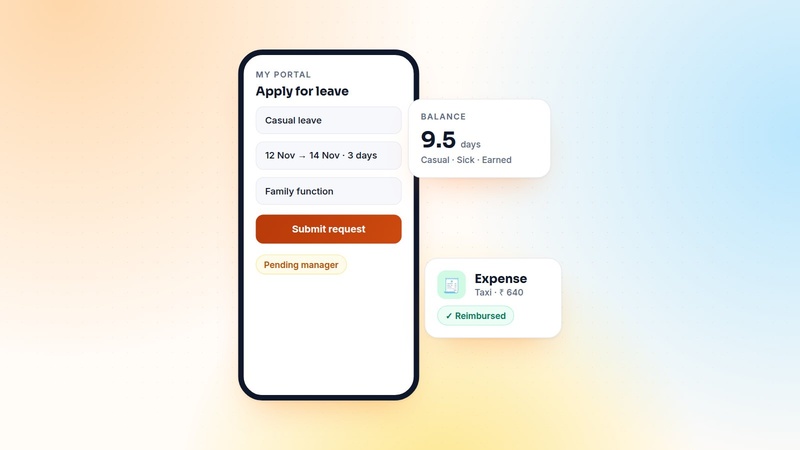
Shop-floor and field staff need to apply for leave and claim expenses, but rarely need the full backend. How I build an employee self-service portal in Odoo, and the security rules that make it safe.
 Gautam Kundaria
Multi-Level Purchase Approval Workflows in Odoo
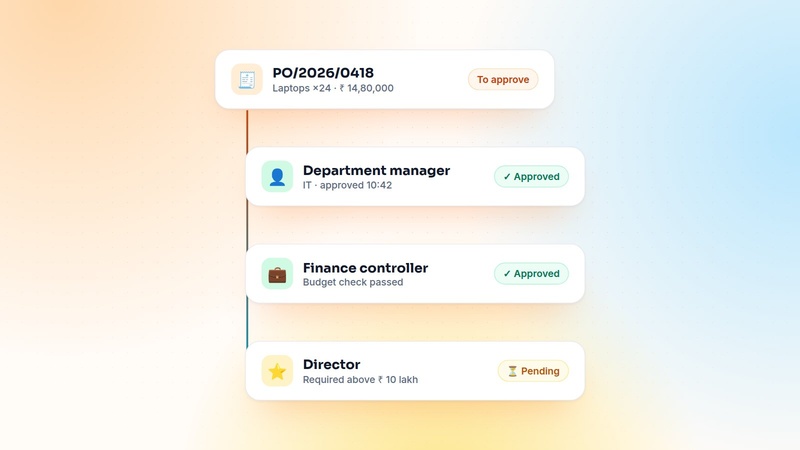
Odoo's built-in two-step PO approval stops at one threshold. Here is how I design amount- and department-based approval chains that finance trusts and buyers don't hate.
 Gautam Kundaria
Inter-Company Transactions in Odoo Multi-Company: Sales, Purchases and Stock on Autopilot
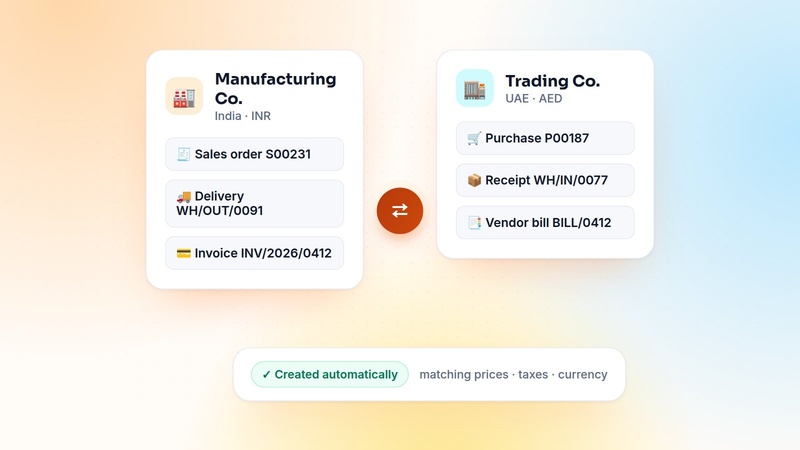
Groups that trade between their own companies waste hours re-typing documents. How to automate inter-company sales, purchases, stock transfers and invoices in Odoo, with or without Enterprise.
 Gautam Kundaria