
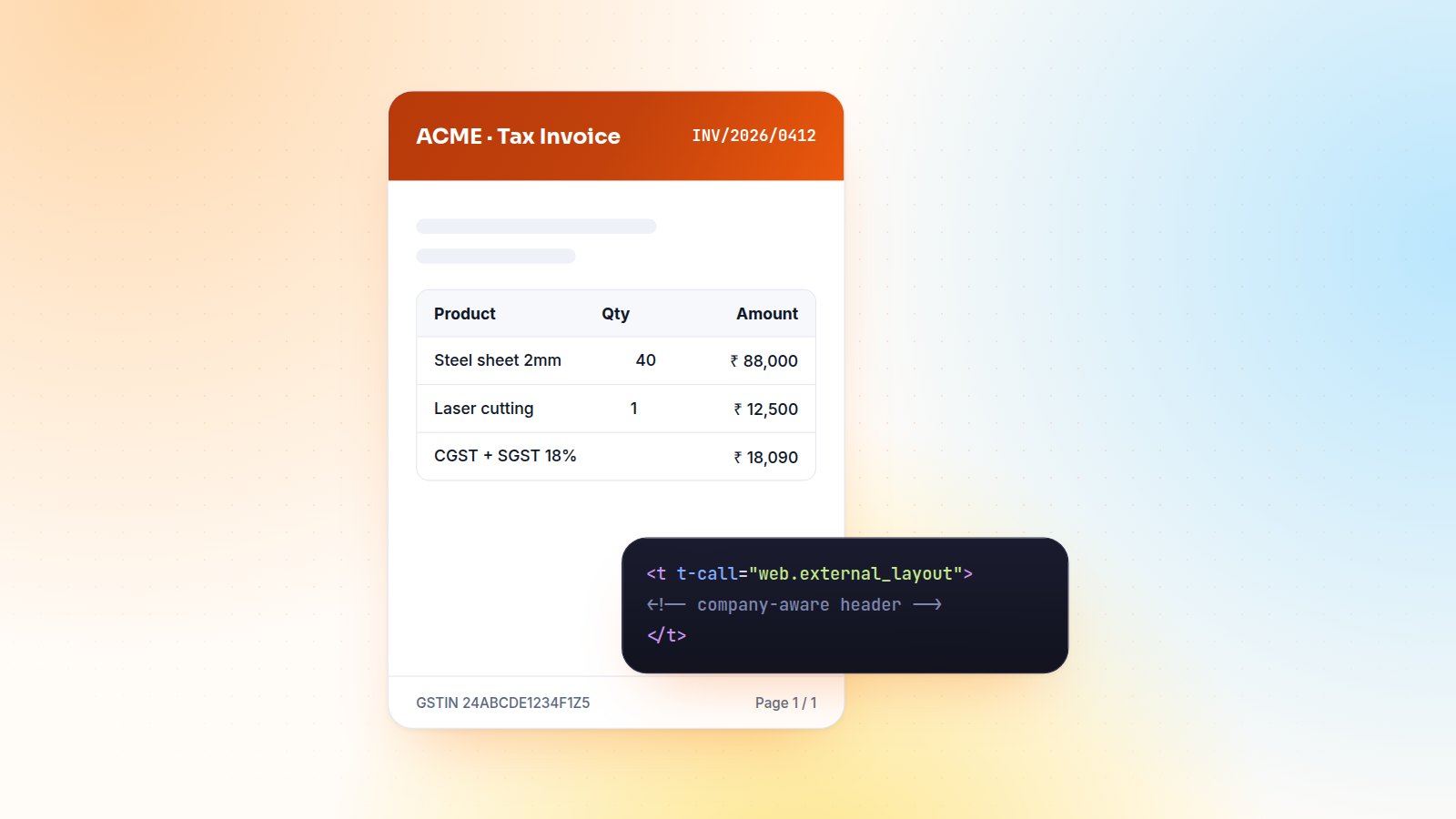
Customers rarely see your Odoo, but they see its PDFs every day: quotations, invoices, delivery slips, certificates. A badly aligned invoice undermines trust faster than any bug. Here are the patterns I use to build QWeb reports that look right, work for every company in the database, and don't break at the next upgrade.
Anatomy of a report
A PDF report has two parts: an action that says which model it prints and how the file is named, and a QWeb template that renders the HTML, which is then converted to PDF.
<record id="action_report_delivery_certificate" model="ir.actions.report">
    <field name="name">Delivery Certificate</field>
    <field name="model">stock.picking</field>
    <field name="report_type">qweb-pdf</field>
    <field name="report_name">my_module.report_delivery_certificate</field>
    <field name="print_report_name">'Certificate - %s' % object.name</field>
    <field name="binding_model_id" ref="stock.model_stock_picking"/>
</record>
Let the company decide the layout
The single most important rule: wrap your document in web.external_layout and use the record's company. Header, footer, logo and colours then follow the document layout chosen in each company's settings, so one template serves every company in a multi-company database.
<template id="report_delivery_certificate">
    <t t-call="web.html_container">
        <t t-foreach="docs" t-as="o">
            <t t-set="o" t-value="o.with_context(lang=o.partner_id.lang)"/>
            <t t-call="web.external_layout">
                <div class="page">
                    <h2>Delivery certificate <span t-field="o.name"/></h2>
                    ...
                </div>
            </t>
        </t>
    </t>
</template>
Switching the context language to the partner's language means the same template prints in French for a French customer and in English for everyone else.
Custom headers and footers
When a client needs a header the standard layouts can't produce (a bank-style band, registration numbers, a second logo), I inherit the layout instead of copying it, and only change the header or footer block. Copied layouts are the main reason reports break during upgrades: the copy stays on the old version while the original moves on.
Two details that matter on PDFs:
- Paper format margins. The header and footer live in the margins. Set a dedicated
report.paperformatwith enough top margin and header spacing, or content will slide under the header. - Page numbers.
<span class="page"/> / <span class="topage"/>in the footer is replaced at PDF time.
Keep logic out of the template
Heavy computation inside QWeb is slow and hard to test. For anything beyond formatting, add a report model and prepare the values in Python:
class ReportDeliveryCertificate(models.AbstractModel):
    _name = 'report.my_module.report_delivery_certificate'
    _description = 'Delivery certificate'

    @api.model
    def _get_report_values(self, docids, data=None):
        pickings = self.env['stock.picking'].browse(docids)
        return {
            'docs': pickings,
            'lots_by_picking': {p.id: p.move_line_ids.lot_id for p in pickings},
        }
Faster iterations
Don't regenerate the PDF after every CSS change. Open /report/html/<report_name>/<record_id> in the browser to see the HTML version, inspect it with the dev tools, then check the PDF at the end. Remember that the PDF engine is not a modern browser: stick to simple tables and Bootstrap grid classes rather than complex flexbox tricks.
Checklist before go-live
- Long product descriptions and 40-line orders don't break the page.
- Amounts use the document currency with
t-options='{"widget": "monetary", "display_currency": o.currency_id}'. - Every company in the database prints with its own logo and footer.
- The report prints in each partner language you support.
Need branded invoices, certificates or management reports? Send me a sample PDF and I'll tell you what it takes.

Gautam Kundaria
Odoo Techno-Functional Consultant with 5+ years of implementing, migrating and customising Odoo for businesses worldwide.
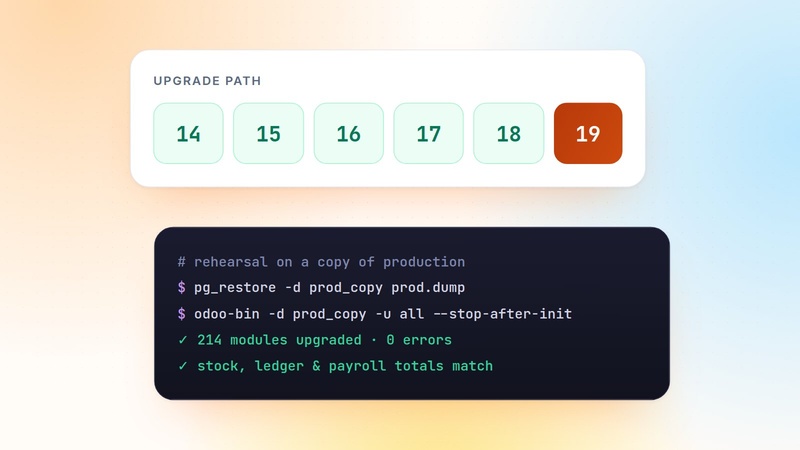
The Odoo Migration Playbook: From v14 to v19 Without Losing Data
Migrations fail on surprises, not on code. This is the step-by-step playbook I follow to move Odoo databases from v14 to v19: inventory, porting, rehearsals, validation and go-live.
 Gautam Kundaria
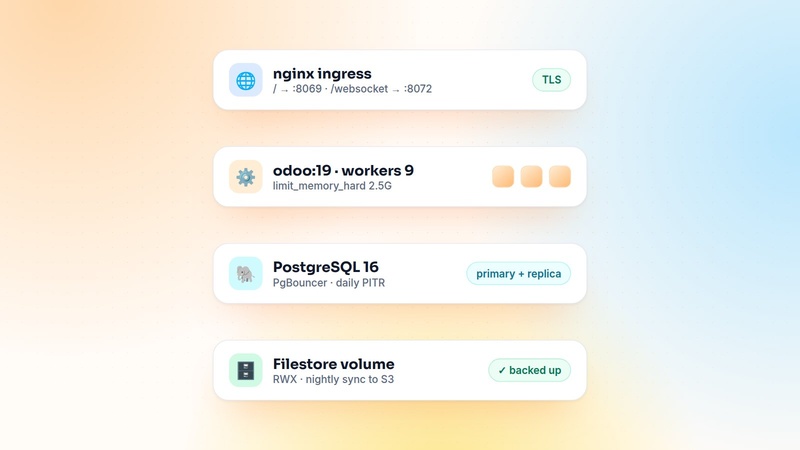
Deploying Odoo on Docker and Kubernetes: A Production Setup That Scales
Running Odoo in containers is easy. Running it well takes the right worker settings, a websocket route, shared storage, a single cron runner and backups you have actually restored.
 Gautam Kundaria
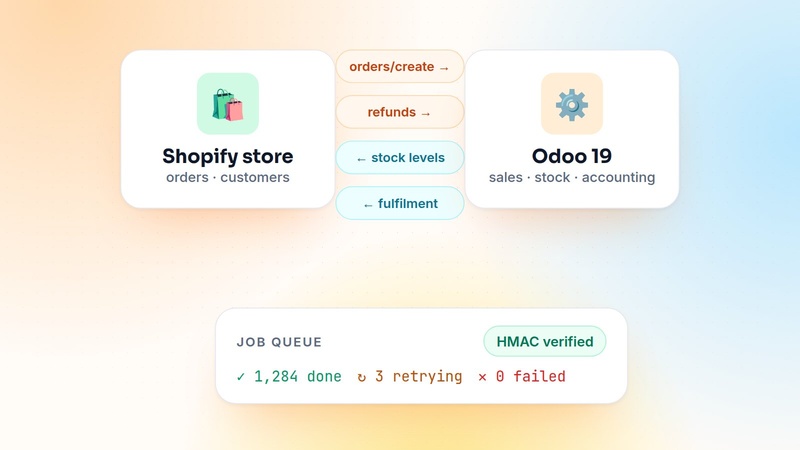
Shopify and Odoo Real-Time Sync: An Architecture That Scales
Most Shopify–Odoo connectors work fine until the first sale weekend. This is the webhook-plus-queue architecture I use so orders are never lost or duplicated and stock stays accurate.
 Gautam Kundaria