
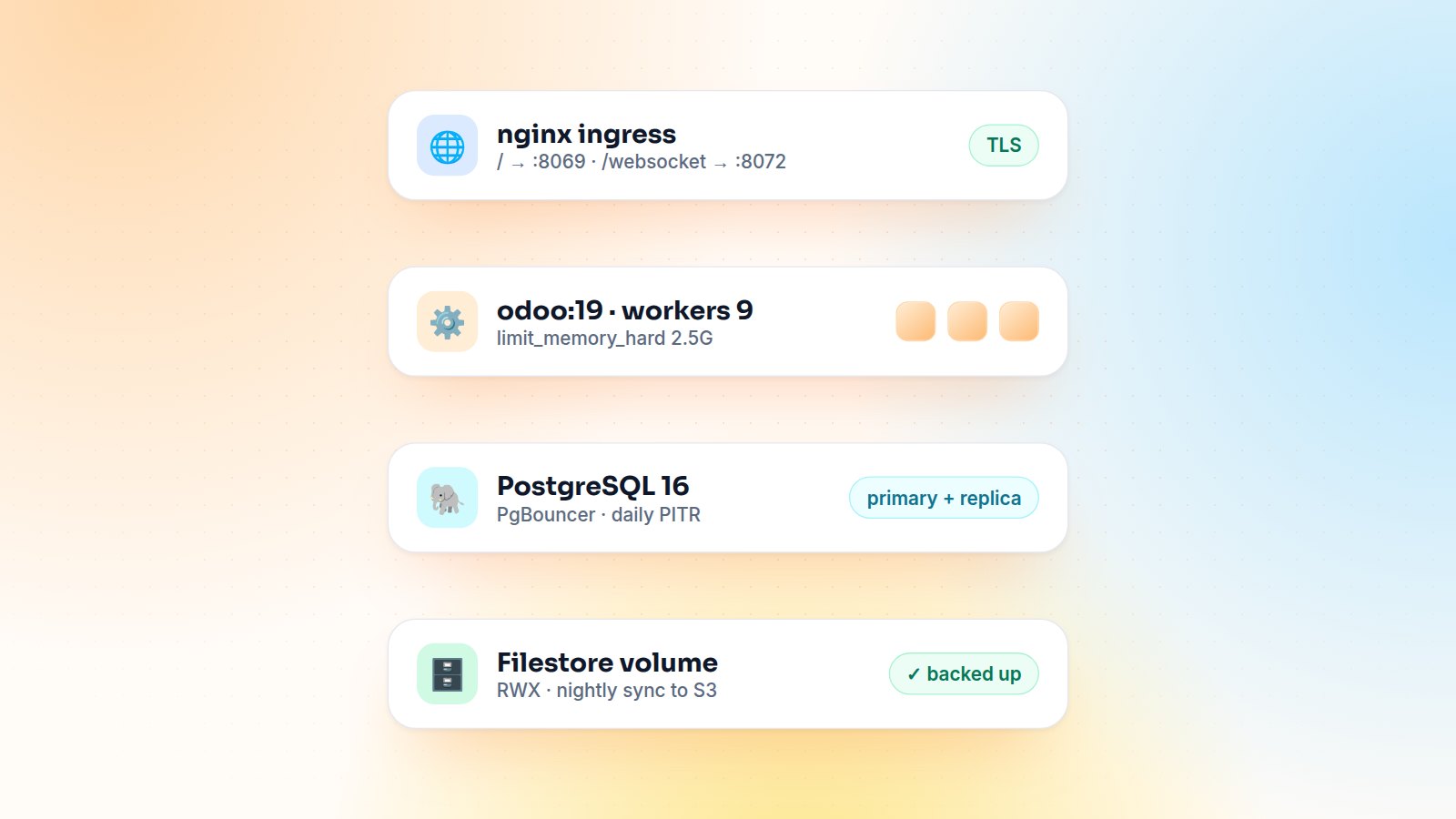
A docker run odoo takes thirty seconds. A production deployment that survives month-end, upgrades and a node failure takes a bit more thought. These are the settings and patterns I use when deploying Odoo on Docker and Kubernetes, from single-server Compose setups to multi-environment clusters.
The image
Build your own image on top of the official one, with your addons baked in and the Python dependencies they need. Never install modules into a running container: images should be immutable, so dev, staging and production run exactly the same code.
FROM odoo:19.0
USER root
COPY requirements.txt /tmp/
RUN pip3 install --no-cache-dir --break-system-packages -r /tmp/requirements.txt
COPY ./addons /mnt/extra-addons
USER odoo
odoo.conf: the settings that matter
[options]
proxy_mode = True
workers = 9                 ; (2 × CPU) + 1 as a starting point
max_cron_threads = 0        ; crons run in their own deployment
limit_memory_soft = 2147483648
limit_memory_hard = 2684354560
limit_time_cpu = 120
limit_time_real = 240
db_maxconn = 32
gevent_port = 8072
data_dir = /var/lib/odoo
With workers > 0 Odoo runs in multi-process mode, and real-time features (chat, notifications, the POS bus) go through the gevent process on port 8072. Your proxy must route /websocket there with the upgrade headers. Otherwise Discuss silently stops updating.
location /websocket {
    proxy_pass http://odoo:8072;
    proxy_set_header Upgrade $http_upgrade;
    proxy_set_header Connection "upgrade";
}
location / {
    proxy_pass http://odoo:8069;
}
Kubernetes specifics
- Filestore and sessions live in
data_dir. With more than one web pod they must be on a shared ReadWriteMany volume (NFS, EFS, Filestore), or attachments uploaded on one pod will be missing on another. - One cron runner. Web pods run with
max_cron_threads = 0, and a single separate deployment runs the crons. This avoids duplicate scheduled actions and keeps heavy jobs away from user requests. - Health checks. Point liveness and readiness probes at
/web/health, which answers without touching a database. - Database connections. Each worker opens its own connections. Size
db_maxconn× workers × pods against PostgreSQL'smax_connections, or put PgBouncer in front.
Upgrades without surprises
Module updates (-u) must run once, before new pods take traffic. I run them as a Kubernetes Job using the new image (odoo -d prod -u my_module --stop-after-init), and only roll out the web deployment when the job succeeds. Two pods running -u at the same time is a reliable way to corrupt a registry.
Backups you have actually restored
An Odoo backup is the database and the filestore, taken at the same moment. Use managed PostgreSQL point-in-time recovery or nightly pg_dump, sync the filestore to object storage, and restore both to a staging environment every month. A backup that has never been restored doesn't count as a backup yet.
Performance quick wins
- Watch slow requests in the logs (
log_level = infoshows the time and query count per request). - Add PostgreSQL indexes for the custom searches your users run every day.
- Serve static assets through the proxy with caching enabled.
- Keep the memory limits: they recycle a worker before it takes the whole node down.
Final thoughts
Immutable images, correct worker and websocket settings, shared storage, a single cron runner, controlled upgrades and tested backups: get these six right and Odoo runs very well in containers. Need help moving Odoo to Docker or Kubernetes? Let's talk.

Gautam Kundaria
Odoo Techno-Functional Consultant with 5+ years of implementing, migrating and customising Odoo for businesses worldwide.
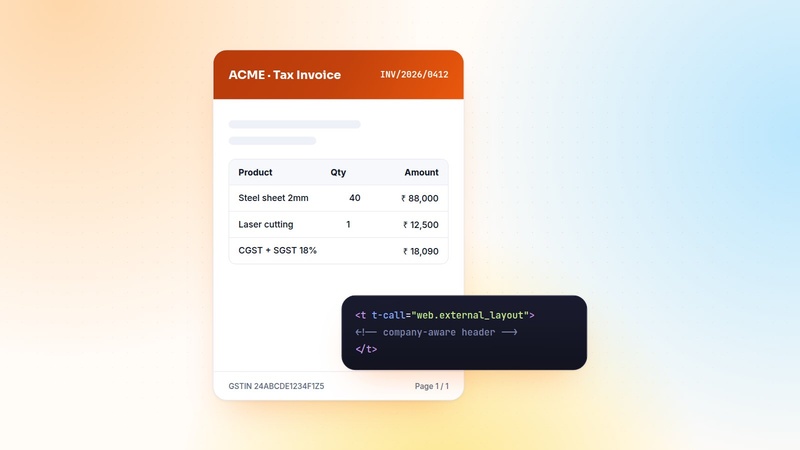
Custom QWeb PDF Reports in Odoo: Headers, Footers and Multi-Company Branding
Pixel-perfect PDFs are the most visible part of an ERP. The patterns I use for QWeb reports: report actions, company-aware layouts, translations, paper formats and fast previews.
 Gautam Kundaria
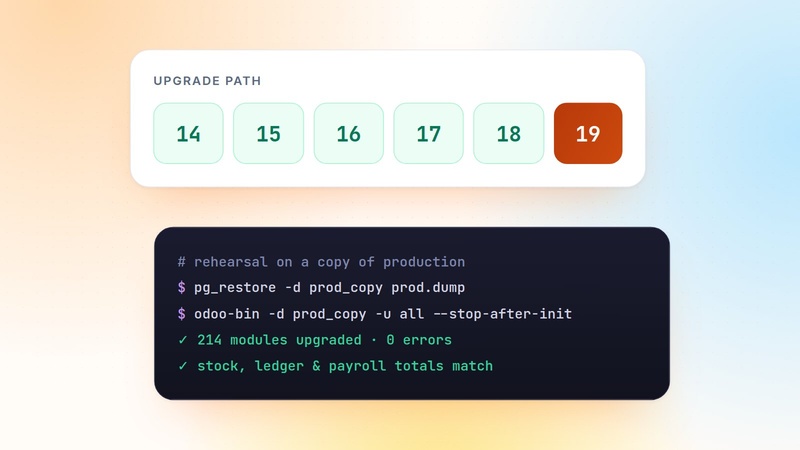
The Odoo Migration Playbook: From v14 to v19 Without Losing Data
Migrations fail on surprises, not on code. This is the step-by-step playbook I follow to move Odoo databases from v14 to v19: inventory, porting, rehearsals, validation and go-live.
 Gautam Kundaria
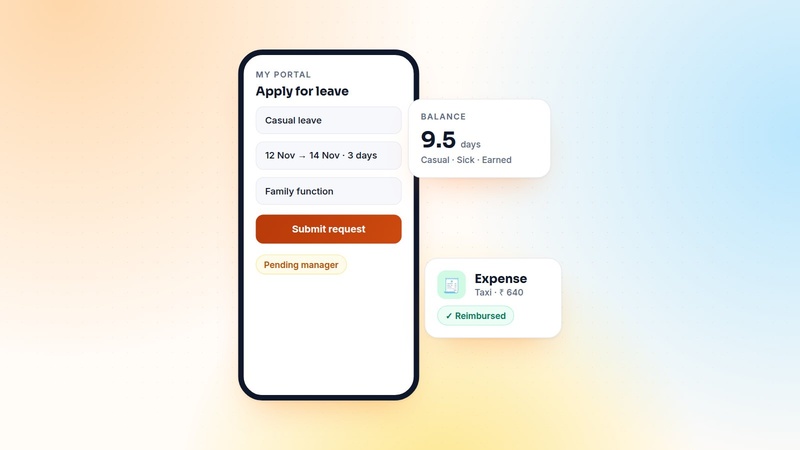
Employee Self-Service in Odoo: Leaves and Expenses Through the Portal
Shop-floor and field staff need to apply for leave and claim expenses, but rarely need the full backend. How I build an employee self-service portal in Odoo, and the security rules that make it safe.
 Gautam Kundaria