
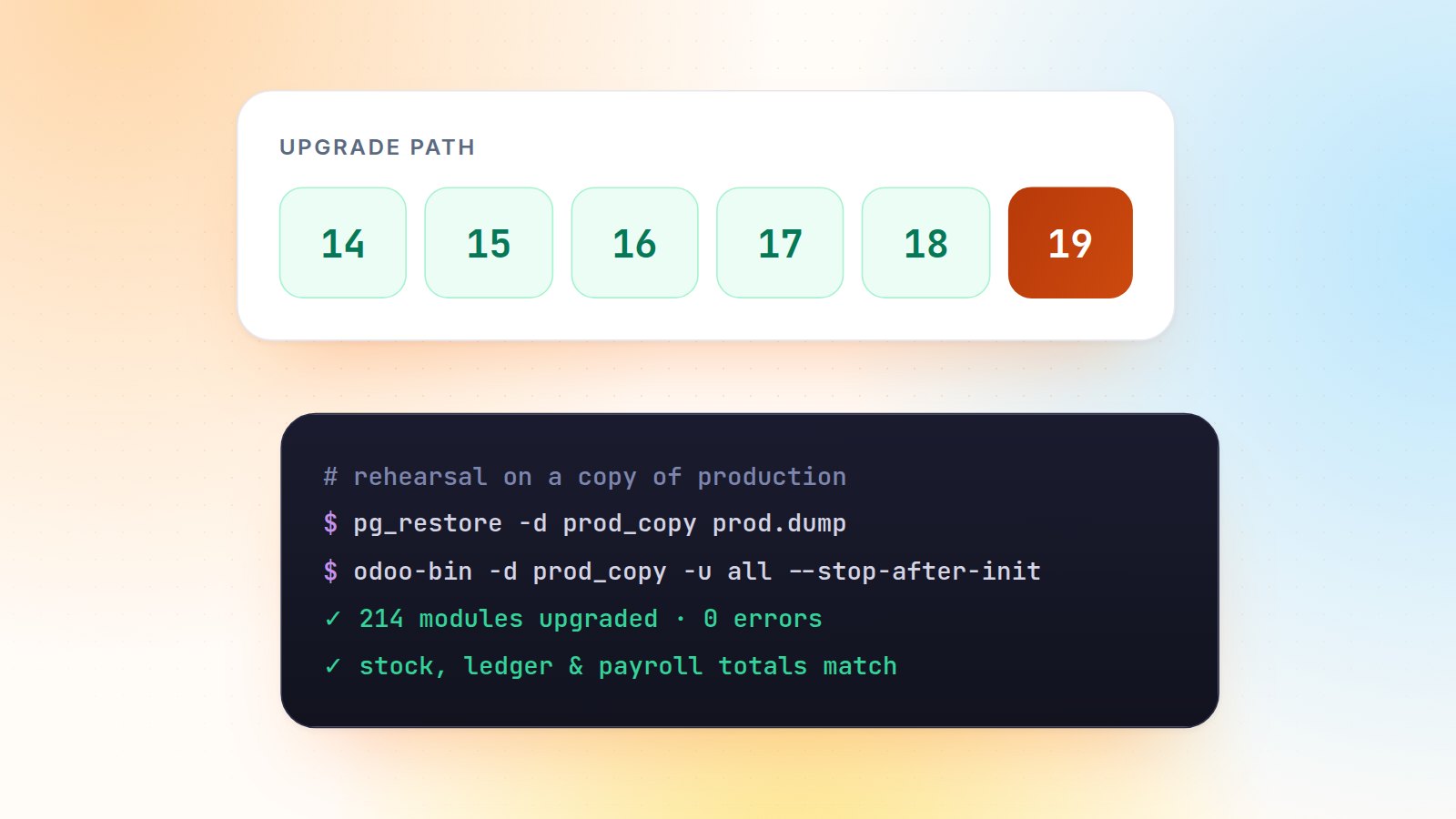
I have led migrations from v14 to v16, v14 to v18, v16 to v18, v17 to v18 and v18 to v19. None of them failed because of difficult code. When upgrades go wrong, it is almost always a surprise discovered too late: an unused module nobody remembered, a stock valuation that stopped matching, a report the finance team prints every day. This playbook is designed to remove those surprises.
1. Take inventory before you touch anything
List every installed module and sort it into four buckets: standard, custom (yours), third-party (App Store or OCA) and not used. The last bucket is the cheapest win: every module you uninstall before the upgrade is code you never have to port.
SELECT name, author, latest_version
  FROM ir_module_module
 WHERE state = 'installed'
 ORDER BY author, name;
For third-party modules, check whether the vendor has already published the target version. If not, budget the porting time now, not in week six.
2. Choose the upgrade route for standard data
- Enterprise: the Odoo upgrade service migrates the standard data model for you, version to version. You remain responsible for custom and third-party modules.
- Community: OCA's OpenUpgrade provides migration scripts, run one major version at a time (v14 → v15 → v16 and so on). Check its coverage table for the apps you use.
Either way, the database moves through every major version. There is no shortcut from v14 straight to v19.
3. Port custom modules version by version
Each release changes something your code relies on. A few changes that bite almost every project:
| Version | Typical change to handle |
|---|---|
| 15 | Assets declared in the manifest assets key instead of XML bundles |
| 16 | Websocket bus replaces longpolling; gevent_port and a /websocket proxy route |
| 17 | attrs and states removed from views: use Python expressions in invisible, readonly, required; OWL 2 everywhere |
| 18 | tree views become list; group_operator becomes aggregator; new POS data loading |
| 19 | models.Constraint replaces _sql_constraints; the Domain API; JSON routes use type='jsonrpc' |
When the data model of your own module changes (a field renamed, a selection value split), write migration scripts in migrations/<version>/:
# migrations/19.0.1.1.0/pre-migrate.py
def migrate(cr, version):
    # keep the data when x_delivery_slot becomes delivery_slot_id
    cr.execute("""
        ALTER TABLE sale_order
        RENAME COLUMN x_delivery_slot TO delivery_slot_legacy
    """)
4. Rehearse on a copy of production, more than once
A migration you have only run once is a guess. I run at least three full rehearsals on a fresh copy of production:
- Restore the latest dump and filestore on a staging server.
- Neutralise it (
odoo-bin neutralize -d prod_copy) so no email, payment or cron hits real customers. - Run the upgrade and
-u all, and keep the full log. - Validate, fix, and start again from step 1.
The last rehearsal also gives you the most important number for go-live planning: how long the upgrade takes on real data.
5. Validate with numbers, not screenshots
Users clicking around will tell you the screens open. They won't tell you a valuation layer went missing. Before and after each rehearsal I compare:
- the trial balance and the open receivables and payables per partner on the cut-off date;
- stock quantity and valuation per product and warehouse;
- record counts for the core documents: posted moves, done pickings, confirmed orders;
- the daily reports and PDFs each department actually prints.
Only then do key users run their UAT scenarios, with real cases from last month.
6. Go-live in one evening
Thanks to the rehearsals, the cut-over is a checklist: freeze transactions, take the final dump, run the timed upgrade, run the validation queries, let key users smoke-test, switch DNS. Keep the old server read-only for a few weeks for reference.
Key takeaway
Most of the work in a migration is preparation and validation, not code. Uninstall what you don't use, port one version at a time, rehearse until the run is boring, and compare figures before and after each run.
Planning an upgrade? See my testing & go-live checklist for the cut-over steps I use, or send me your module list for an effort estimate.

Gautam Kundaria
Odoo Techno-Functional Consultant with 5+ years of implementing, migrating and customising Odoo for businesses worldwide.
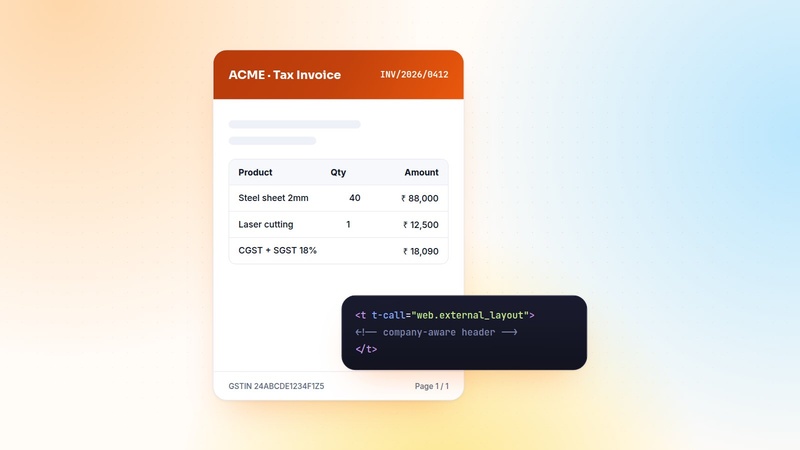
Custom QWeb PDF Reports in Odoo: Headers, Footers and Multi-Company Branding
Pixel-perfect PDFs are the most visible part of an ERP. The patterns I use for QWeb reports: report actions, company-aware layouts, translations, paper formats and fast previews.
 Gautam Kundaria
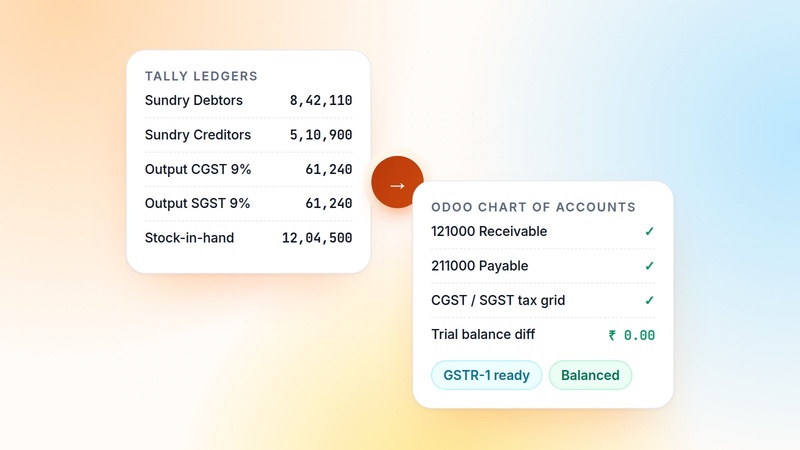
Moving From Tally to Odoo: Ledgers, GST and Opening Balances Done Right
Switching from Tally to Odoo is mostly an accounting data project. How to map ledger groups, bring over open invoices instead of balances, set up GST and reconcile to the last rupee.
 Gautam Kundaria
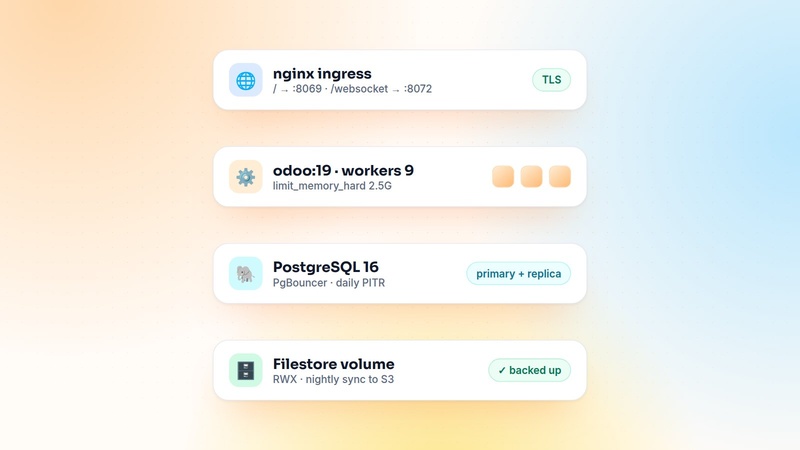
Deploying Odoo on Docker and Kubernetes: A Production Setup That Scales
Running Odoo in containers is easy. Running it well takes the right worker settings, a websocket route, shared storage, a single cron runner and backups you have actually restored.
 Gautam Kundaria